How to Teach Digital Literacy Across Different Subjects
9 July 2026
Ever wonder why some students can breeze through any online task, while others struggle to attach a file to an email? That’s where digital literacy steps in. In today’s tech-driven world, digital literacy isn’t just for computer classes anymore—it’s essential across every subject.
In this guide, we’re going to break down how to teach digital literacy across different subjects, not just in theory, but in real, practical—and let’s face it—fun ways. Whether you're an English teacher, a science geek, or an art enthusiast, there’s a way to weave digital skills into your curriculum without overwhelming yourself or your students.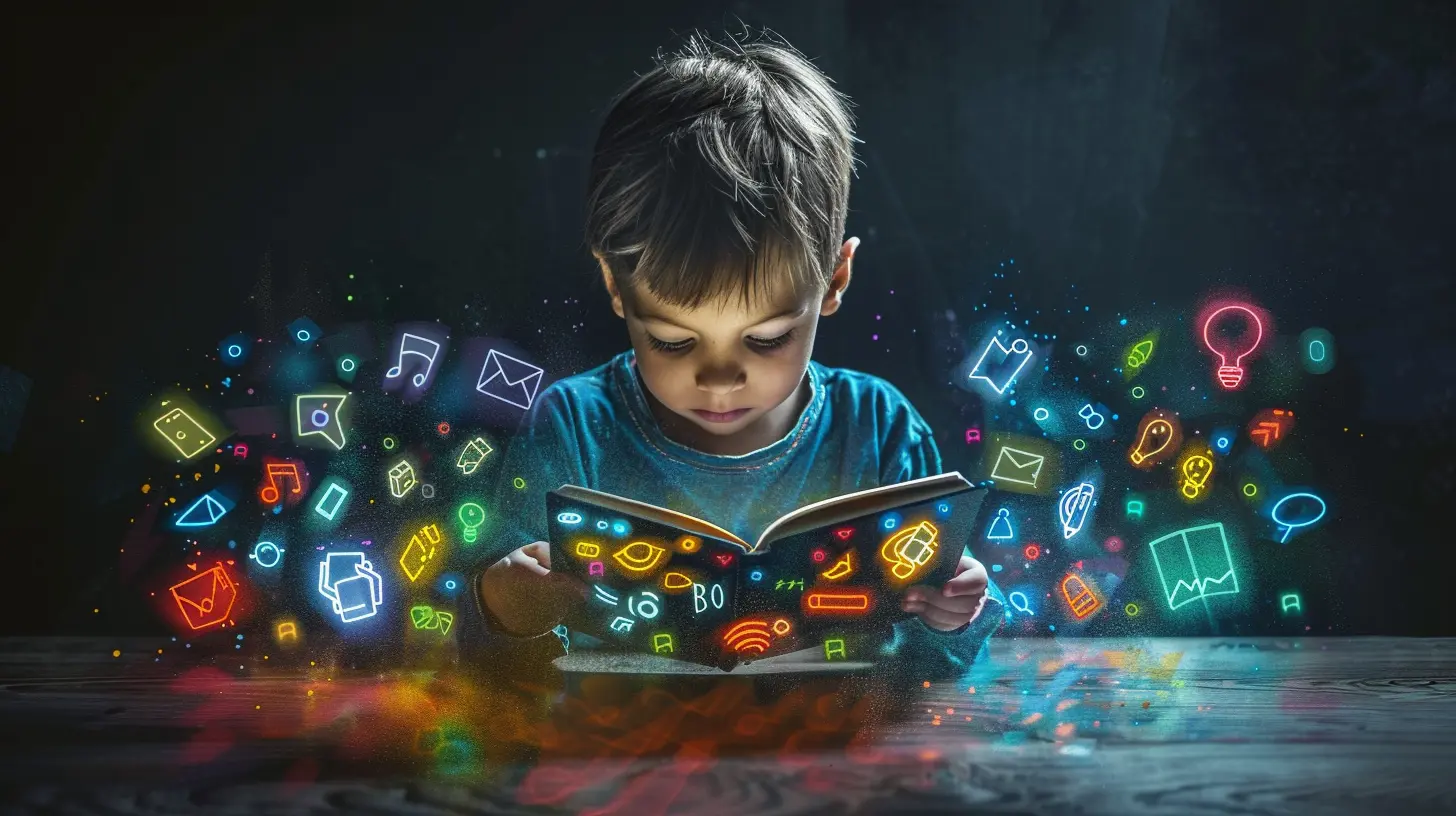
What is Digital Literacy Anyway?
Let’s start with the basics. Digital literacy isn’t just knowing how to use a computer or download an app. It’s a broader skillset that includes:- Finding and evaluating information online
- Communicating and collaborating digitally
- Understanding digital tools and platforms
- Navigating online safety and privacy
- Creating digital content responsibly
Think of it like the “new” literacy. Just like we once had to learn how to use a pencil and paper, now we need to learn how to use a keyboard and Google with purpose and critical thinking.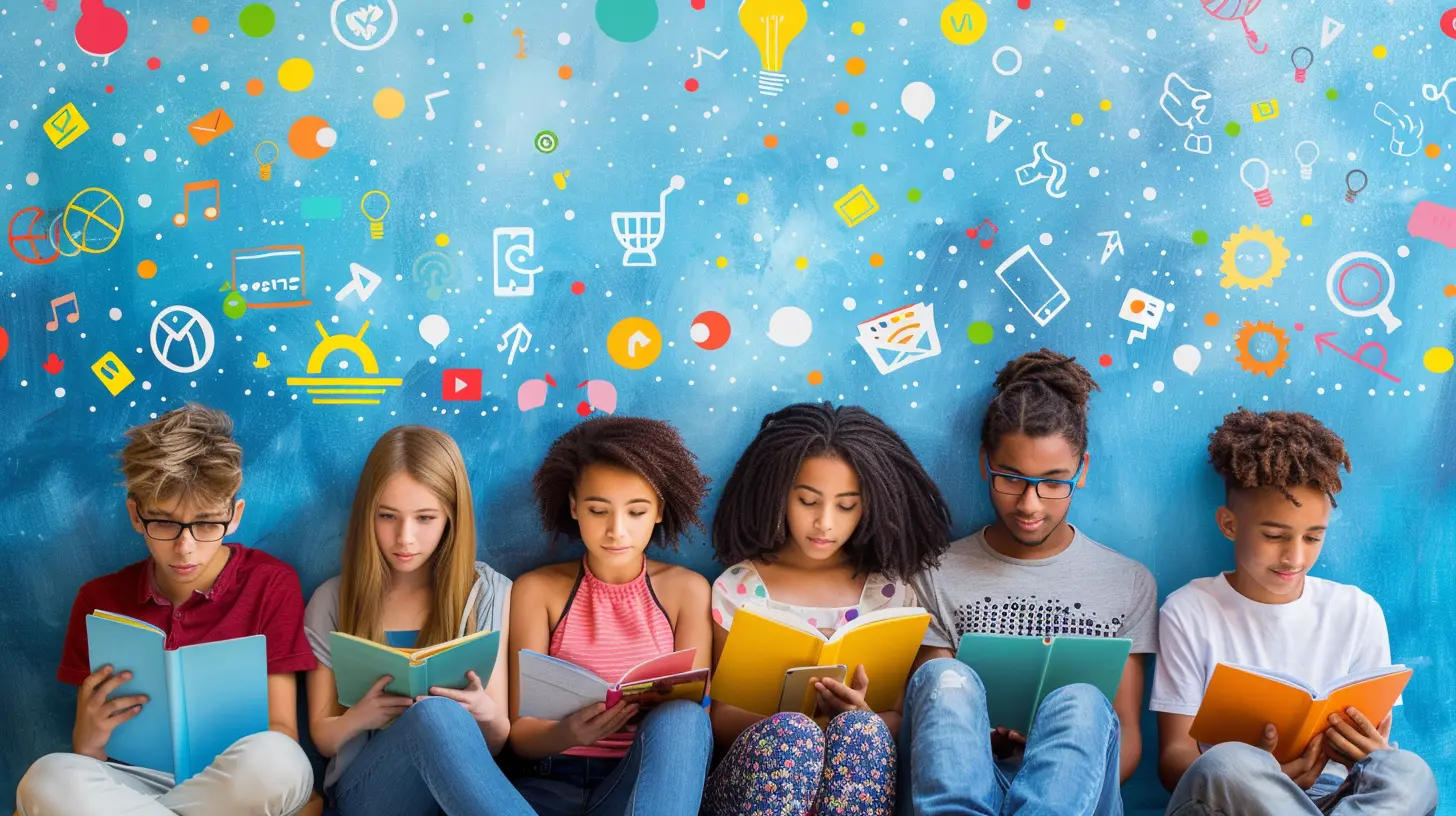
Why Does Digital Literacy Matter in Every Subject?
Here’s the thing: technology is everywhere. And not just in tech jobs. Whether students want to be doctors, artists, engineers, or writers, they need digital skills. Embedding digital literacy across all subjects helps students become well-rounded, future-ready individuals. Plus, it:- Promotes critical thinking
- Encourages independent learning
- Prepares students for a digital world
- Prevents the spread of misinformation
- Makes lessons more engaging and interactive
So, how do we begin integrating it into subjects that seem “non-digital” at first glance? Let’s dive in.
English and Language Arts: Turning Readers into Informed Researchers
English class is the perfect place to teach students how to analyze digital content. After all, reading comprehension and critical thinking are at the heart of both traditional literacy and digital literacy.Ideas for Integration:
- Online Research Projects: Teach students how to use search engines effectively, evaluate the credibility of websites, and cite digital sources properly.- Blog Writing: Swap out the traditional essay for a blog post. Students learn to communicate in a digital format and consider audience engagement and tone.
- Media Analysis: Compare a news article with a social media post about the same event. Discuss bias, tone, and validity.
- Digital Storytelling: Use tools like Storybird or Canva to have students create multimedia stories.
Ever heard the phrase "Don't believe everything you read online"? English class is where students learn why that advice matters.
Social Studies: Teaching Digital Citizenship Through History
Social studies already dives into the concept of citizenship—why not include the digital kind too?Ideas for Integration:
- Fact-Checking Historical Events: Assign students different online sources about a historical event and analyze the reliability. Did the perspective change from site to site?- Create Virtual Timelines: Use tools like Sutori or Tiki-Toki to create interactive timelines. It teaches both content and digital creation.
- Simulated Online Debates: Let students take part in forum-style debates using Google Docs or an LMS discussion board while sticking to Netiquette rules.
- Digital Footprint Discussion: Relate historical propaganda or media influence to today’s social media landscape.
They’ll learn that just like people shaped history, they’re shaping the future—online and off.
Math: Yes, Even Here!
Think math is all about pencil, paper, and calculators? Think again. Digital literacy can make math more meaningful and relevant.Ideas for Integration:
- Spreadsheet Skills: Google Sheets or Excel can help students chart data, apply formulas, and visualize patterns in graphs.- Online Math Tools: Introduce platforms like Desmos or GeoGebra for hands-on, interactive problem-solving.
- Real World Data Sets: Use publicly available data (like COVID-19 stats or climate data) to teach statistics and probability.
- Coding Concepts: Basic coding logic strengthens mathematical thinking. Even platforms like Scratch incorporate math in a playful design.
Let’s be honest—students love a break from textbook drills, and digital tools can make numbers come to life.
Science: Making Sense of the Digital World
Science and technology go hand-in-hand, so it’s the perfect space for digital literacy to blossom.Ideas for Integration:
- Online Simulations: Use virtual labs or apps like PhET to conduct experiments digitally. Ideal when equipment is limited.- Data Analysis: Teach students to collect and analyze data using digital sensors or spreadsheets. This mirrors real-life science work.
- Research Projects: Encourage students to find peer-reviewed articles or credible science websites during research.
- Ethical Discussions: Talk about AI, biotechnology, or climate change. Have students source digital content and critique its accuracy and bias.
Digital literacy in science helps students understand that not everything they read on the internet is accurate—especially when it comes to scientific claims.
Art, Music, and Media: A Playground for Creativity
If there’s one subject where digital literacy naturally fits, it’s here. Creative subjects thrive with digital tools.Ideas for Integration:
- Digital Portfolios: Have students build websites or slideshows showcasing their creative work.- Audio/Video Editing: Use simple apps like iMovie or Soundtrap to mix music or edit short clips.
- Copyright and Fair Use Lessons: Teach students about creative ownership while using stock images or sampling music.
- Virtual Museum Tours: Take students on a global art tour without leaving the classroom.
Encouraging digital creation helps students find their voice and share it with the world.
Physical Education and Health: Moving Beyond the Gym Floor
Surprised by this one? Don’t be. There's plenty of room for digital tools to make health and PE more interactive and relevant.Ideas for Integration:
- Fitness Apps: Introduce apps that track steps, heart rate, or workouts. Encourage students to analyze their data.- Online Food Journals: Teach nutrition through tools that help students track meals and understand dietary needs.
- Mental Health Resources: Share digital platforms focused on mindfulness and mental health education.
- Digital Wellness: Discuss screen time, sleep, and the impact of digital habits on physical health.
Teaching digital literacy here empowers students to make healthier choices both online and offline.
Teaching Strategies: Making Digital Literacy Stick
Okay, so we’ve looked at the 'what' and the 'where'—now let’s talk about the 'how'.1. Model It Constantly
Be the digital role model. Let students see you evaluating websites, citing sources, or using digital tools thoughtfully.2. Incorporate It Gradually
Start small. Maybe one digital activity per unit. Don’t try to digitize everything overnight (you’re not a robot, after all!).3. Collaborate with Colleagues
Some of the best lessons come from cross-subject projects. Team up with a colleague for a joint digital project.4. Make It Real and Relevant
Connect digital lessons to real-world situations. From fake news to online safety—it’s all more engaging when it matters to them.5. Use Student-Created Content
Let students take the reins. When they create digital content themselves, they understand the behind-the-scenes mechanics and responsibilities.Tips for Assessing Digital Literacy Across Subjects
Assessment doesn’t always mean a test. You can evaluate digital literacy skills through:- Portfolios of digital work
- Group projects with digital collaboration
- Rubrics that include tech usage, ethics, and creativity
- Reflective journals on digital learning experiences
The key? Make assessment authentic. Focus on how well students use digital tools to support their learning—not just whether they used them at all.
Common Challenges (and How to Overcome Them)
Let’s be real: adding digital literacy to your teaching can feel like adding one more spinning plate to your balancing act. Here’s how to handle the bumps.Challenge 1: Lack of Tech Access
Try: Low-tech tools like smartphones, shared devices, or offline versions of apps. Rotate groups to share digital time.Challenge 2: Limited Teacher Training
Try: Start with one tool or practice. Join simple online training sessions or connect with other teachers online for support.Challenge 3: Information Overload for Students
Try: Teach digital mindfulness. Encourage students to slow down, question information, and think before they click.Wrapping Up: Let’s Future-Proof Our Classrooms
Digital literacy isn’t just a skill—it’s a survival tool. And when we teach it across all subjects, we don’t just create good students—we create smart, critical, and empowered global citizens.You don’t need to be a tech wizard. You just need to start. Sprinkle in some digital tools, have open conversations about online behavior, and watch your students thrive in both the real and virtual worlds.
So, ready to upgrade your lessons and make digital literacy a part of every student’s toolkit? You’ve got this.
all images in this post were generated using AI tools
Category:
Digital LiteracyAuthor:

Monica O`Neal
Discussion
rate this article
1 comments
Zanthe McLain
This article offers valuable insights on integrating digital literacy into diverse subjects. It's essential for preparing students for a tech-driven world while enhancing their learning experience.
July 10, 2026 at 11:43 AM
Monica O`Neal
Thank you for your feedback! I'm glad you found the insights useful. Integrating digital literacy is indeed crucial for our students' future.