What the Paperless Classroom Really Looks Like in 2026
4 September 2026
Walk into a classroom today that claims to be paperless, and you will not see a room full of silent students staring at glowing rectangles. You will see whiteboards still in use, a few notebooks on desks, and maybe a stack of printed readings on a side table. That is the first honest truth about paperless education in 2026: it is rarely 100 percent paper-free. It is a system where paper is the exception, not the default, and where the real transformation is not about eliminating sheets of pulp but about changing how work flows, how feedback happens, and how student thinking becomes visible.
The paperless classroom has been promised for over two decades. Early versions were little more than replacing photocopies with PDFs and calling it innovation. By 2026, the conversation has shifted. The question is no longer "Can we go paperless?" but "What do we actually gain, and what do we quietly lose?" The answer depends less on technology and more on instructional design, school infrastructure, and the uncomfortable reality that many students still prefer paper for certain kinds of thinking.
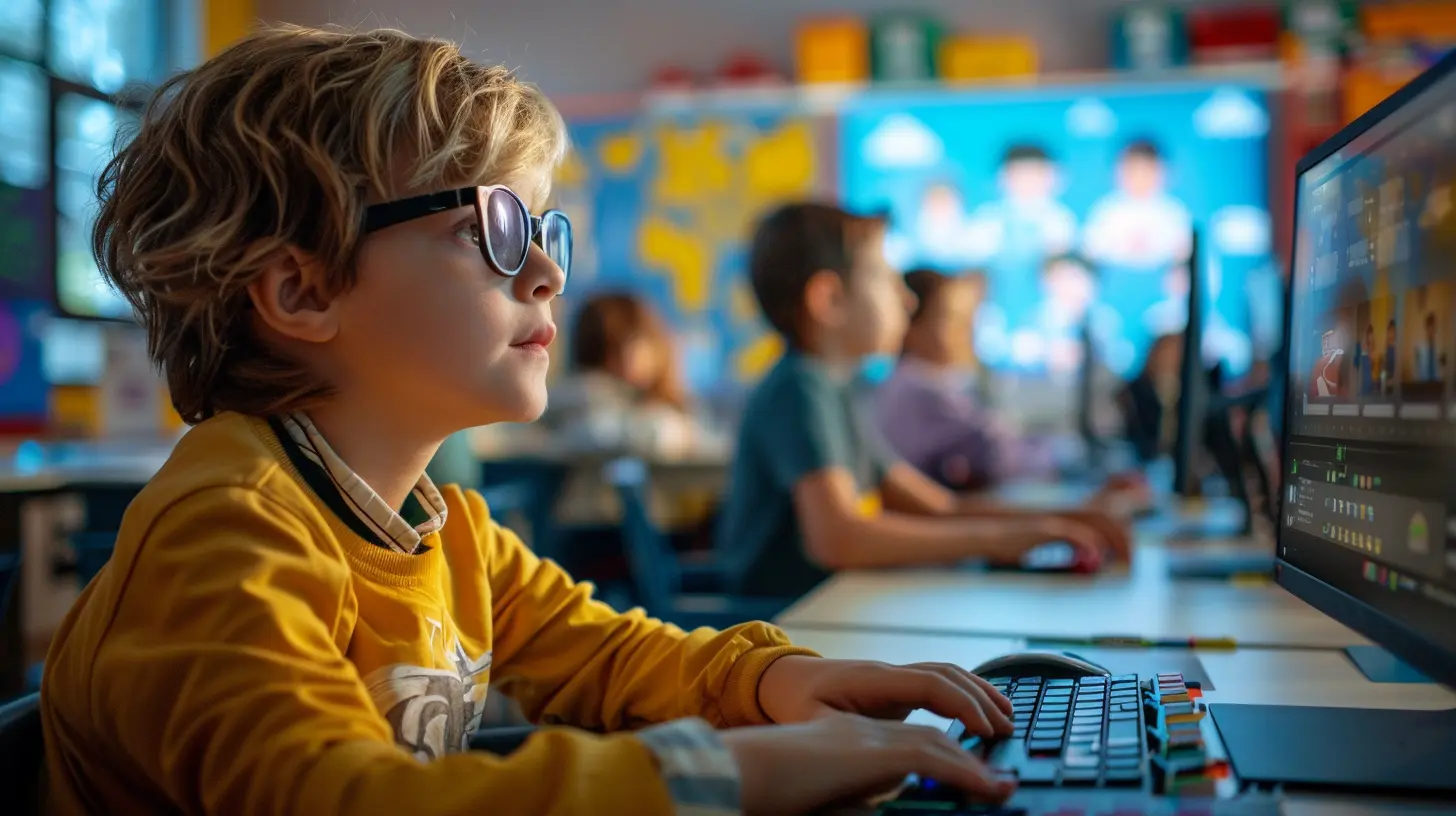
The Core Difference Between Digital Substitution and True Workflow Change
Most schools that claim to be paperless are actually doing what education technology experts call substitution. They take a worksheet, scan it, upload it to a learning management system, and have students type answers into a text box. That is not a paperless classroom. That is a paper classroom wearing a digital costume.The meaningful version of a paperless classroom in 2026 is built around a different workflow. Assignments are designed for digital creation from the start. Students might produce a video analysis instead of a five-paragraph essay, or they might build an interactive timeline that embeds primary sources. Feedback loops are faster because teachers use comment banks, voice notes, or collaborative documents where students respond to feedback in real time. Assessment shifts from a final product to a process that includes drafts, peer review, and revision history that the teacher can actually see.
The distinction matters because substitution often makes things worse. A scanned worksheet forces students to zoom in and out, type awkwardly into small fields, and lose the spatial thinking that comes from having a full page in front of them. True digital workflow uses the medium's strengths: collaboration, versioning, multimedia, and immediate access to resources.
The Hardware Reality in 2026
You cannot have a paperless classroom without reliable devices, and this remains the biggest equity problem. By 2026, many districts have moved away from the one-to-one laptop model that dominated the late 2010s. Instead, you see a mix of school-provided Chromebooks, tablet-laptop hybrids, and a growing number of "bring your own device" policies. The most successful implementations are not about the newest hardware. They are about consistency.A student who has a school-issued device that they can take home, charge reliably, and use without technical barriers will succeed in a paperless environment. A student who shares a device with siblings or relies on a phone for homework will fall behind, no matter how well designed the digital assignments are. Schools that ignore this reality create a two-tier system where paperless works beautifully for some and fails silently for others.
The practical answer in many schools is a hybrid approach. Devices stay in the classroom for younger students. Middle and high school students get take-home devices but also have access to a small number of loaner laptops and a dedicated printing station for students who need physical copies for accessibility or preference reasons. This is not a failure of the paperless model. It is a recognition that the goal is learning, not ideological purity.
What Teachers Actually Do Differently
Ask a teacher who has successfully transitioned to a paperless classroom what changed, and they will not talk about the technology first. They will talk about time. Grading happens differently. Instead of carrying home a stack of essays, they open a dashboard and see which students have submitted, which are still working, and which have not opened the assignment at all. They can sort by completion, by time spent, or by specific rubric criteria.Feedback becomes more conversational. In a document-based workflow, a teacher can leave a comment, the student responds with a question, and the teacher answers back. That back-and-forth is impossible with paper unless you schedule individual conferences. The digital trail also helps teachers spot patterns. If the same grammatical issue appears across thirty essays, the teacher can address it in a mini-lesson the next day instead of writing the same correction thirty times.
But there are trade-offs. Reading on a screen is different from reading on paper, and many teachers report that they skim digital work more quickly and miss subtle errors. Some have adapted by printing longer essays for close reading while keeping the submission and feedback process digital. Others have trained themselves to read more slowly on screen, using annotation tools to force deeper engagement. The key is that they are aware of the difference and have developed strategies to compensate.
Student Experience: The Good, The Bad, and The Surprising
Students in 2026 have grown up with screens, but that does not mean they prefer them for everything. A surprising number of students still ask for paper copies of long texts. Research on reading comprehension has consistently shown that many people, especially developing readers, understand and retain more when reading from paper. The reasons are spatial: they remember where a passage was on the page, they can flip back and forth more easily, and they are less prone to distraction.A well-designed paperless classroom acknowledges this. Teachers might provide a digital text with annotation tools for students who work well with that format, but they also make a printed copy available for students who struggle with screen reading. This is not a concession. It is differentiated instruction.
The bigger student benefit is organizational. Students no longer lose handouts, forget homework in their locker, or have to manage twenty different folders. Everything is in one place, accessible from any device. For students with executive function challenges, this is transformative. The downside is that digital organization requires its own skills. A student who cannot manage a messy backpack will also struggle with a messy Google Drive. Teachers who assume digital tools automatically create organization are setting those students up for failure.
The Hidden Curriculum of Digital Citizenship
Paperless classrooms teach more than content. They teach students how to behave in digital environments, which is arguably more important for their future than most of the subject matter. Students learn how to write professional emails, how to give constructive feedback on a peer's work, how to cite digital sources properly, and how to manage their digital footprint.These skills are rarely taught explicitly. They are absorbed through practice. A student who collaborates on a shared document learns about version conflict and communication. A student who comments on a classmate's work learns about tone and specificity. A student who accidentally deletes another group member's section learns about backup systems and accountability.
The danger is that schools treat digital citizenship as a separate subject taught once a year. In a paperless classroom, it is woven into every assignment. Teachers need to be intentional about this. They should explicitly discuss how to handle a disagreement in a shared document, what to do when someone writes something offensive in a group chat, and how to distinguish reliable from unreliable sources. These are not add-ons. They are core curriculum.
Assessment and Academic Integrity
One of the biggest concerns about paperless classrooms is cheating. The fear is that students will copy from the internet, use AI to generate answers, or share work through messaging apps. These are real problems, but they are not new. Students have always cheated. Paperless classrooms simply require different detection and prevention strategies.By 2026, most schools have moved away from the cat-and-mouse game of AI detection software, which has proven unreliable and prone to false accusations. Instead, they have changed the nature of assessment. More work happens in class, under supervision, using lockdown browsers or simply with the teacher walking around. Writing assignments are scaffolded with multiple drafts, and teachers compare early drafts with final products. Oral defenses and presentations have made a comeback because it is hard to fake understanding when you have to explain your work aloud.
The most effective approach is to design assignments that are hard to cheat on. A student cannot easily fake a personal reflection that connects to specific class discussions. They cannot generate a meaningful analysis of a local community issue with AI unless they do real research. The paperless classroom forces teachers to think harder about what they are assessing and why.
Infrastructure and Technical Support
No discussion of paperless classrooms is honest without addressing the technical side. A paperless school requires robust Wi-Fi, reliable cloud storage, device management software, and a support team that can fix issues quickly. When the network goes down, and it will go down, the teacher needs a backup plan.The best practice in 2026 is to design lessons that can survive a technology failure. Teachers have offline activities ready, or they have students work on local copies of documents that sync later. They also have clear procedures for what happens when a student's device dies, when the school Wi-Fi is slow, or when the learning management system is under maintenance. These procedures are written down, shared with students, and practiced.
Schools that skip this infrastructure work see paperless initiatives fail within months. Teachers get frustrated, revert to paper, and the whole effort is abandoned. The successful schools treat technology like any other utility. They do not expect the electricity to never go out. They expect backup systems and quick response times.
The Role of the Learning Management System
The learning management system, or LMS, is the backbone of most paperless classrooms. In 2026, the dominant platforms have become more sophisticated, but they have also become more complex. Teachers can create modules, embed videos, set up discussion boards, and track student progress in granular detail. The problem is that many teachers use only a fraction of these features, and some are overwhelmed by the choices.The key is to use the LMS consistently and simply. Students should know exactly where to find assignments, how to submit work, and where to look for feedback. A well-organized LMS is invisible. A poorly organized one creates confusion and frustration. Teachers who succeed in paperless classrooms spend time at the beginning of the year teaching students how to navigate the system. They do not assume digital natives will figure it out on their own.
Parents also need to be brought into the loop. Many parents want to see their child's work and understand their progress. In a paperless system, this means giving parents access to the LMS or sending regular digital summaries. Teachers who ignore parent communication find that paperless classrooms create anxiety at home. Parents worry that their child is not doing enough work or that they cannot help with assignments they cannot see.
Environmental Impact and Cost Considerations
The environmental argument for paperless classrooms is compelling but often overstated. Yes, schools use a lot of paper, and reducing that usage saves trees, water, and energy. But the production of electronic devices has its own environmental cost, including rare earth mining, manufacturing emissions, and electronic waste. A school that replaces all paper with devices is not automatically greener.The more honest argument is economic. Paper costs money, but so do devices, software licenses, Wi-Fi infrastructure, and technical support. In many cases, going paperless is not cheaper. It is a different distribution of costs. Schools that save money on printing often spend more on technology. The financial case for paperless classrooms is strongest when it includes savings from reduced photocopying, reduced storage, and reduced time spent on administrative tasks like sorting and distributing papers.
Schools should conduct a full cost analysis before committing to a paperless model. They should also consider the lifespan of devices and the cost of replacement. A paperless classroom that cannot sustain its technology budget will eventually revert to paper, often at a worse financial position than before because they have lost the infrastructure for efficient printing.
Practical Steps for a Successful Transition
For teachers and schools considering the move to paperless, the most important advice is to start small and be patient. Do not try to convert every class and every assignment in one semester. Pick one subject, one grade level, or even one unit. Figure out what works and what does not. Get feedback from students. Adjust.Start with assignments that benefit clearly from digital tools. Collaborative projects, research assignments, and anything involving multimedia are good candidates. Keep using paper for activities where it works better, such as brainstorming on large sheets, sketching diagrams, or reading short texts that students need to annotate heavily.
Invest in professional development. Teachers need time to learn new tools, but more importantly, they need time to rethink their instructional practices. A paperless classroom is not about using a new tool. It is about designing learning experiences that use the affordances of digital media. This requires a shift in mindset, and that shift takes time and support.
Establish clear expectations with students and parents from the beginning. Explain why the class is going paperless, what the benefits are, and what the challenges will be. Be transparent about the learning curve. Students are more forgiving when they understand the purpose behind a change.
Common Mistakes and Misconceptions
One of the most common mistakes is assuming that going paperless will save teachers time. In the short term, it often takes more time. Teachers have to learn new systems, create digital assignments, and troubleshoot technical issues. The time savings come later, after the initial investment, and they come mostly in the form of more efficient feedback and grading, not in reduced planning time.Another mistake is treating the absence of paper as the goal. The goal should be improved learning outcomes. If a teacher uses paper because it helps students learn better, that is not a failure. It is good pedagogy. The paperless classroom is a means, not an end.
A related misconception is that paperless means everything must be typed. Students still need to write by hand. Handwriting has cognitive benefits, particularly for memory and idea generation. Many teachers in paperless classrooms still have students brainstorm on paper, sketch ideas, or write journal entries by hand before typing final versions. The key is that these handwritten artifacts are then photographed or documented digitally so they become part of the student's digital portfolio.
Finally, do not assume that all students have the same digital literacy. Some students are very comfortable with technology but struggle with academic writing. Others are excellent writers but have trouble navigating digital tools. The paperless classroom should be flexible enough to accommodate both.
Case Studies and Real-World Examples
Consider a middle school science teacher who runs a fully paperless classroom. Students maintain digital lab notebooks where they record hypotheses, data, and conclusions. They use spreadsheet software for data analysis and presentation tools for lab reports. The teacher gives feedback through voice comments, which students find more personal and more helpful than written notes. The lab notebook becomes a portfolio that students can share with parents at conferences.The challenges are real. Some students struggle with the digital notebook format and miss the physical act of writing in a notebook. The teacher addresses this by allowing students to handwrite their initial observations and then take photos to insert into their digital notebooks. This combines the benefits of handwriting with the organizational advantages of digital storage.
In a high school English class, the teacher has moved to a paperless model for essay writing. Students submit drafts through the learning management system, participate in peer review using shared documents, and receive feedback from the teacher in the form of comments and audio notes. The teacher reports that the quality of revisions has improved because students can see their peer reviewers' comments and the teacher's feedback side by side.
The trade-off is that the teacher spends more time reading on screens, which they find tiring. They have developed a system where they read the first few paragraphs of each essay on screen, then print only the essays that need deeper review. This selective printing is a practical compromise that preserves the benefits of the paperless workflow while acknowledging the limitations of screen reading.
The Future Beyond 2026
Looking ahead, the paperless classroom will continue to evolve. Artificial intelligence will become more integrated into the learning process, not as a cheating tool but as a tutor that provides instant feedback on grammar, structure, and content. Virtual and augmented reality may provide immersive experiences that replace some physical materials. But the fundamental principles will remain the same.The best teachers will use whatever tools are available to create meaningful learning experiences. They will not be dogmatic about paper or digital. They will choose the medium that best serves the learning goal, the student, and the context. Some students will still need paper. Some assignments will still be better on paper. The paperless classroom in 2026 is not about banning paper. It is about making deliberate choices about when and how to use it.
The real measure of success is not how many sheets of paper a school saves. It is how well students learn, how engaged they are, and how prepared they are for a world that is increasingly digital but still deeply human. The paperless classroom is one tool among many. Used wisely, it can transform teaching and learning. Used carelessly, it can create new problems while solving old ones.
Teachers and school leaders who approach this transition with humility, flexibility, and a focus on student learning will find that the paperless classroom is not a destination. It is an ongoing process of adaptation and improvement.
all images in this post were generated using AI tools
Category:
Education TrendsAuthor:

Monica O`Neal
Discussion
rate this article
2 comments
Gavin McGinnis
I love the idea of a paperless classroom! It feels so much more organized and eco-friendly. Plus, the tech tools available today make learning interactive and fun. I'm excited to see how students collaborate and create without the clutter of paper. Here's to a bright, digital future in education!
September 23, 2026 at 2:54 AM
Clover McKay
This article provides a thought-provoking glimpse into the future of education. While the benefits of a paperless classroom are clear, it's important to also consider potential challenges and accessibility issues for all students.
September 5, 2026 at 2:37 AM
Monica O`Neal
Thank you for your insights. You're right-while the benefits are exciting, we must address accessibility to ensure all students thrive in a paperless environment.