Teaching Digital Collaboration Skills for Group Projects
4 July 2026
In today’s world, collaboration isn’t just a buzzword—it’s a critical skill. Whether in the workplace or the classroom, group projects have become a staple of modern learning. But here’s the kicker: in a digital age where students are constantly connected, the way they collaborate has shifted dramatically. Gone are the days of meeting in person at the local library to hash out assignments. Now, students are just as likely to use online tools—Zoom meetings, Google Docs, Slack channels, and more—to complete group projects.
But, here's the catch: while students may be digital natives, that doesn’t mean they naturally know how to collaborate effectively online. Teaching digital collaboration skills for group projects is more important than ever. It's not just about knowing how to use the tools—it's about understanding how to communicate, manage tasks, and work together in a cohesive way.
So, how do we teach students to collaborate in the digital world? Let’s dive in!
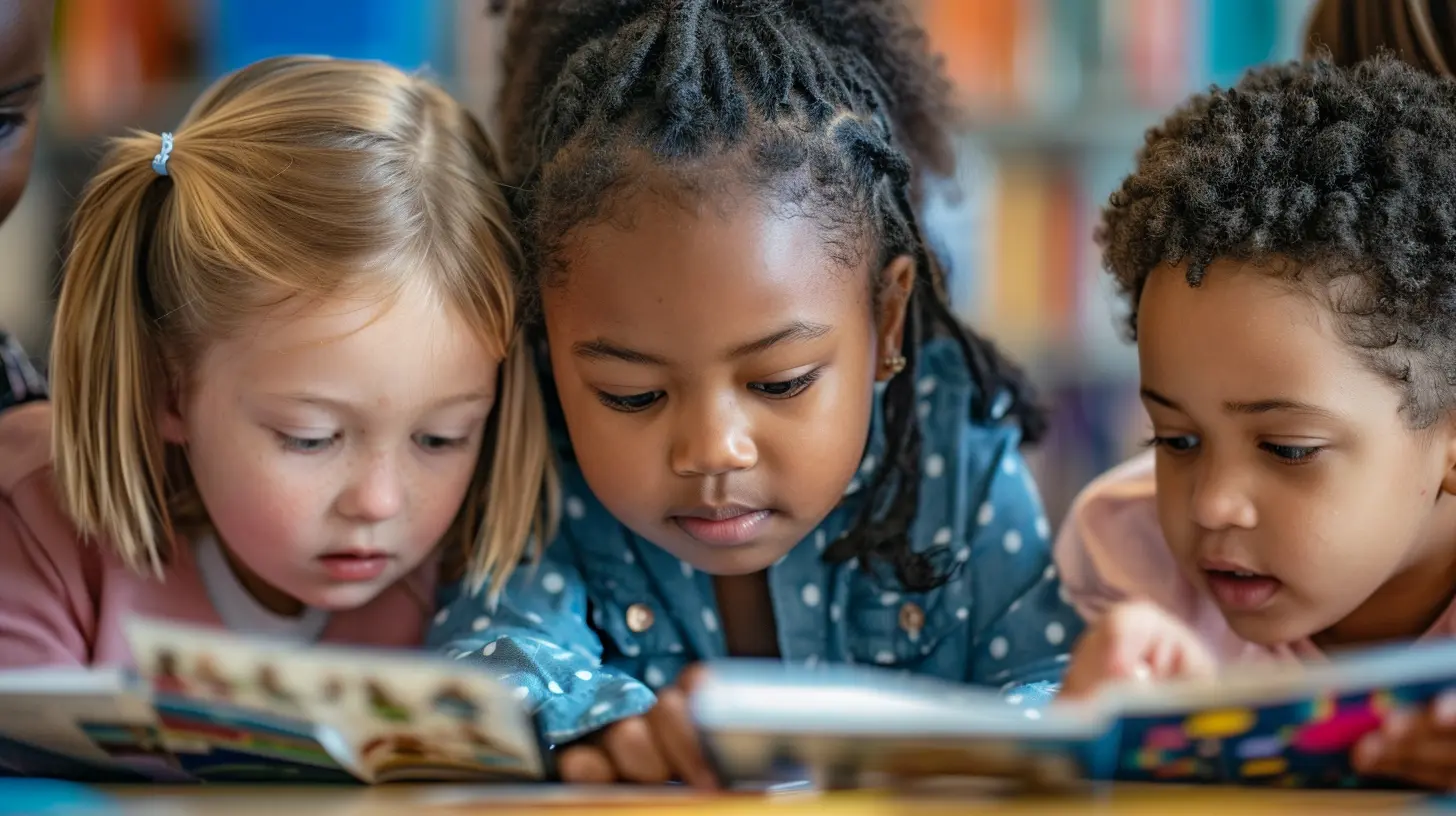
Why Digital Collaboration Skills Matter
Before we get into the nitty-gritty of how to teach these skills, let’s first discuss why they matter so much.Think about it. When students graduate and step into the workforce, they’ll often find themselves part of a team that’s scattered across different cities, countries, or even continents. Remote work is becoming the norm, and the ability to collaborate digitally is crucial for success in almost every industry.
But it’s not just about future careers. Even in the classroom, strong digital collaboration skills can help students:
- Work more efficiently: Knowing how to use digital tools can streamline workflows and reduce wasted time.
- Communicate better: Collaboration isn’t just about working together; it’s about understanding and being understood.
- Problem-solve: In group projects, challenges are inevitable. Good collaboration habits help teams navigate those rough patches.
- Build stronger relationships: Successful group work fosters trust, respect, and a sense of camaraderie among students.
In short, digital collaboration goes way beyond just completing assignments—it’s a life skill that will serve students in countless ways going forward.
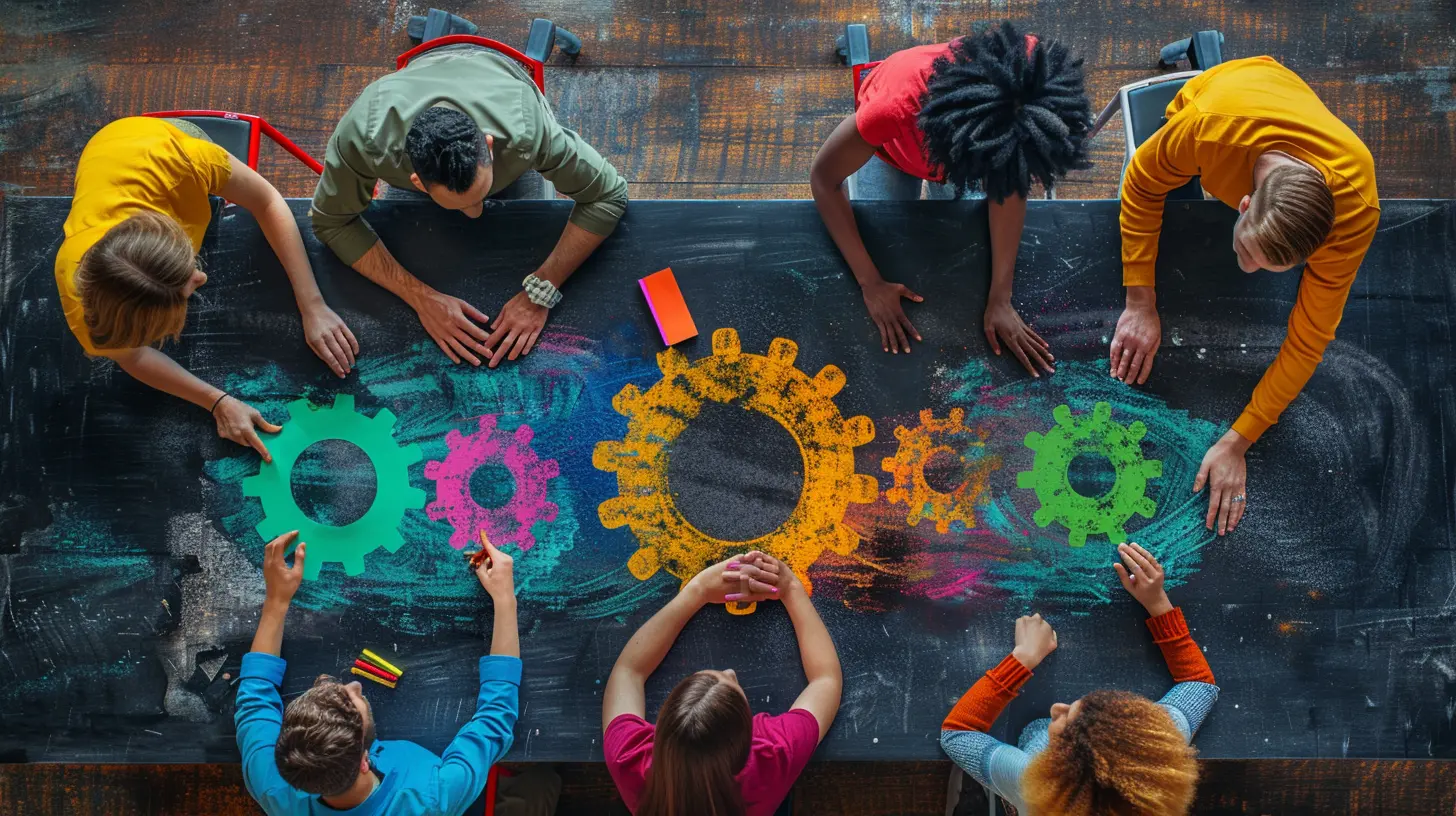
1. Start With the Right Tools
Let’s face it: the success of any digital collaboration effort heavily depends on the tools you’re using. You wouldn’t expect a carpenter to build a house without the right tools, right? The same goes for students and digital collaboration.Some Must-Have Tools for Digital Collaboration
Here are a few tools that can make group projects a breeze:- Google Workspace (Docs, Sheets, Slides): This suite of tools is perfect for real-time collaboration. Multiple people can work on the same document simultaneously, leave comments, and make edits.
- Slack or Microsoft Teams: These platforms make communication easy by organizing conversations into channels and allowing for direct messaging.
- Trello or Asana: These project management tools help keep track of tasks, deadlines, and who’s responsible for what.
- Zoom or Google Meet: Sometimes, there’s no substitute for a face-to-face conversation, even if it’s virtual.
But here’s the deal: it’s not enough to just introduce these tools. You need to teach students how to use them effectively. Set aside time to walk through the basics of each tool before jumping into the project. Show them how to share documents, track changes, and use the commenting features. Trust me, this will save a lot of headaches down the road!
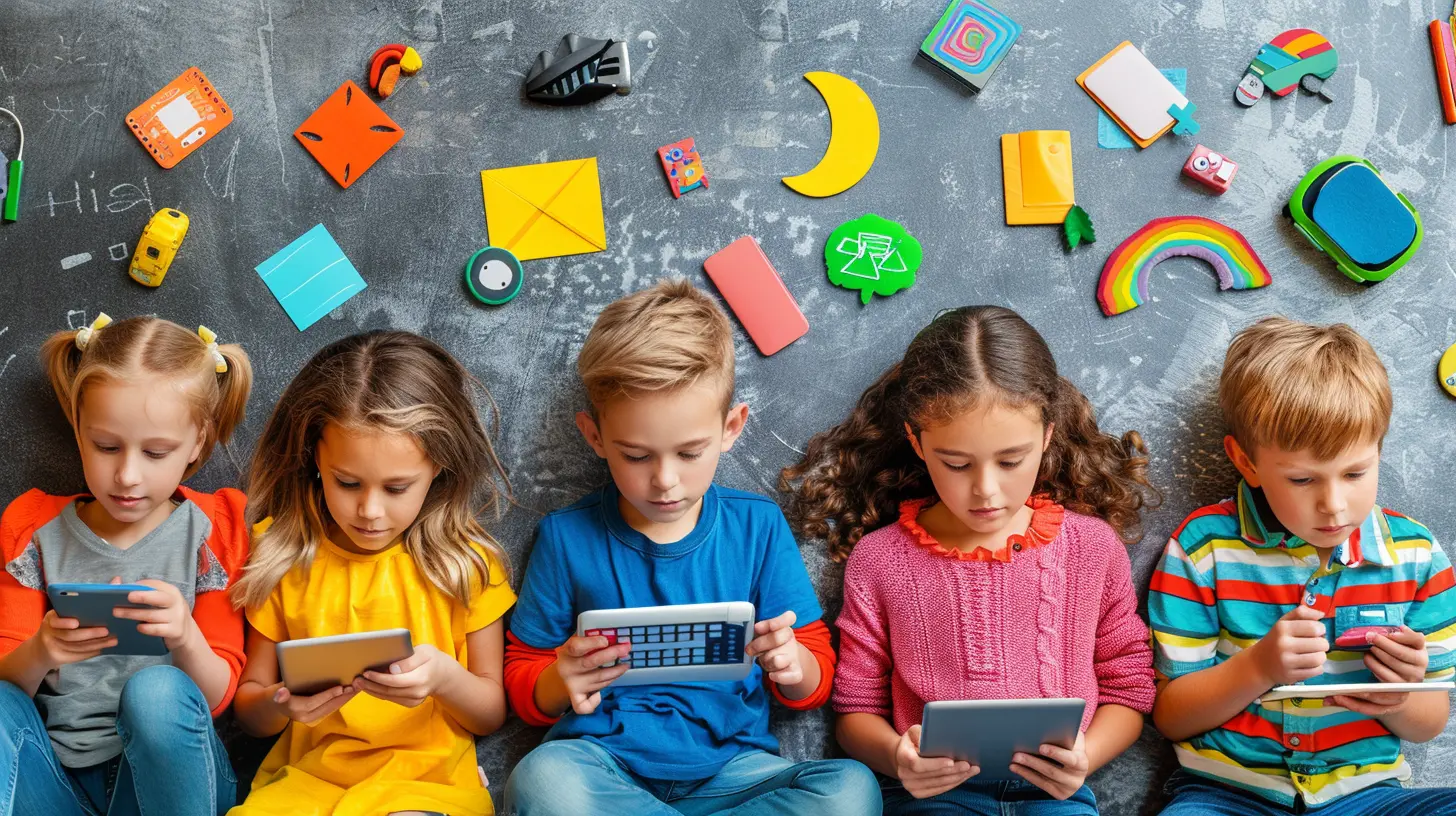
2. Clarify Roles and Expectations
One of the biggest challenges of group projects—whether digital or not—is the potential for unequal participation. We’ve all been there. There’s always that one person who does all the work, while others ride the wave. Digital collaboration, unfortunately, doesn’t automatically solve this problem. In fact, it can sometimes make it worse if roles and expectations aren’t clearly defined.How to Assign Roles in a Digital Space
Make sure students understand the importance of dividing tasks from the get-go. Here’s a simple strategy:- Project Manager: This person takes charge of keeping everyone on track. They’re responsible for setting deadlines, organizing meetings, and making sure the project progresses smoothly.
- Content Creator: This role involves creating the bulk of the content—whether it’s writing, designing, or coding. Depending on the project, there might be multiple content creators.
- Editor/Reviewer: This person ensures that all content is polished, free of errors, and cohesive.
- Tech Support: Every group needs someone who’s tech-savvy. This role involves troubleshooting any tech issues and ensuring that digital tools are being used effectively.
By assigning specific roles, students will know exactly what’s expected of them, reducing confusion and frustration.
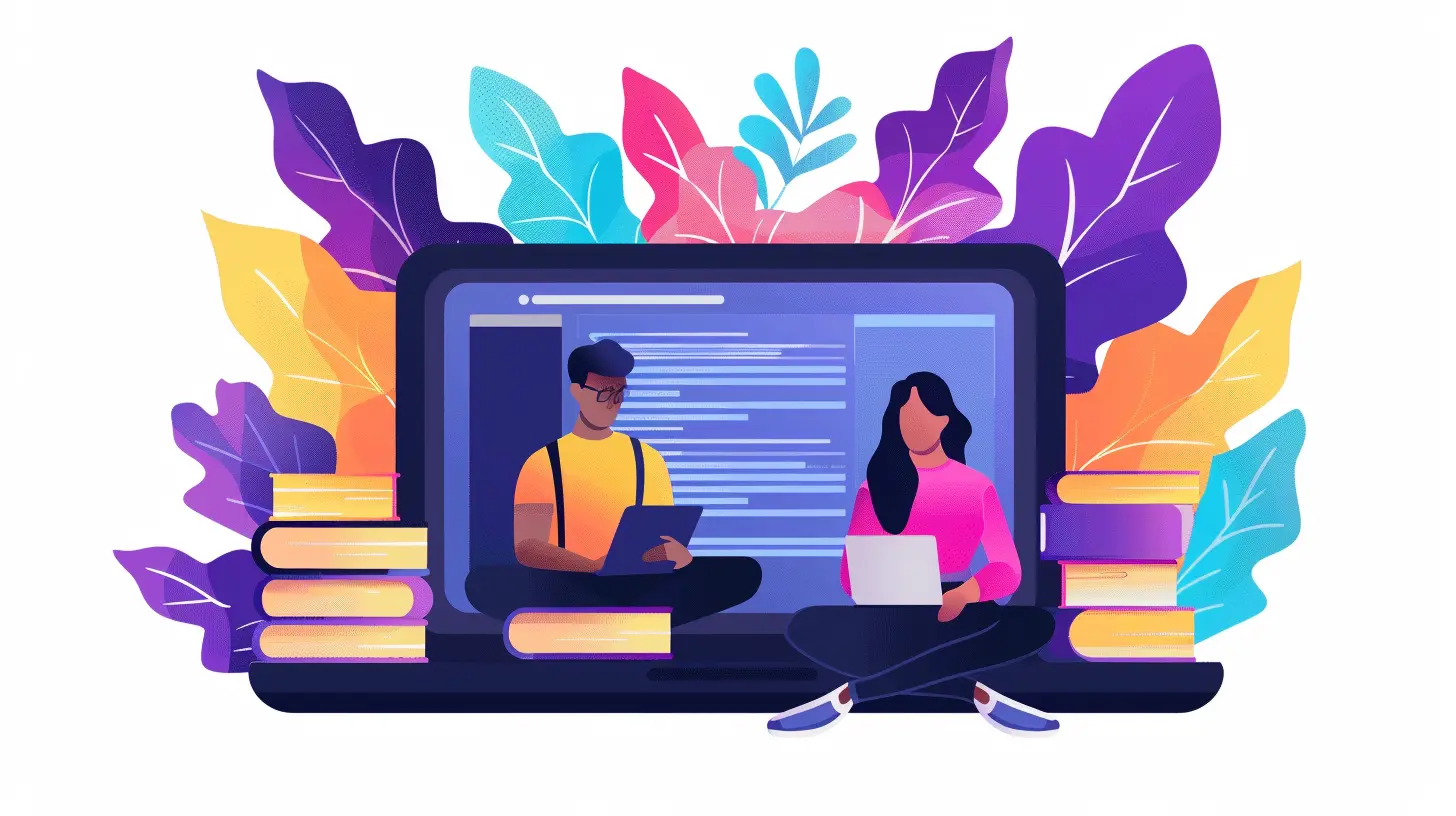
3. Encourage Open and Clear Communication
Here’s the thing—communication is the cornerstone of any successful group project. But in a digital environment, it’s easy for things to get lost in translation. Misunderstandings can happen when you can’t see someone’s facial expressions or hear their tone of voice. Plus, if students are working across different time zones, communication becomes even trickier.Tips for Fostering Clear Communication
- Set Ground Rules: Establish rules for how and when the group will communicate. Will they use Slack or email? How often will they meet virtually? What’s the expected response time for messages?- Use Video When Possible: While messaging apps are convenient, video calls allow for more nuanced communication. Seeing someone’s face can help prevent misunderstandings.
- Be Respectful and Honest: Encourage students to express their ideas and concerns respectfully. If someone feels like another member isn’t pulling their weight, they should feel comfortable addressing it openly.
- Document Everything: It’s a good idea to keep a record of important discussions, decisions, and deadlines. This can be as simple as jotting down notes in a shared Google Doc.
In essence, digital collaboration thrives on transparency. The more students communicate, the smoother the project will go.
4. Teach Time Management and Accountability
Let’s be real—time management can be a struggle for anyone, especially students balancing multiple classes, extracurriculars, and possibly even part-time jobs. When working on group projects digitally, time management becomes even more critical because students aren’t sharing the same physical space. It’s easy for deadlines to slip through the cracks.Strategies for Better Time Management
- Set Clear Deadlines: Instead of just having one final deadline for the entire project, break it down into smaller tasks with individual deadlines. This keeps the team on track and prevents last-minute panic.- Use Time-Tracking Tools: Tools like Toggl or Clockify can help students track how much time they’re spending on different parts of the project. This can be a real eye-opener and encourage them to work more efficiently.
- Regular Check-ins: Whether it’s a weekly Zoom call or a quick Slack update, having regular check-ins helps ensure that everyone is staying on task.
Accountability can be built into the project by having students report on their progress regularly. If one team member is falling behind, the group can step in to offer support or reassign tasks as needed.
5. Cultivate Problem-Solving and Conflict Resolution Skills
Let’s not sugarcoat it—group projects can sometimes lead to conflict. Maybe one team member isn’t pulling their weight, or perhaps there’s disagreement over the project’s direction. In a digital space, these issues can feel even more challenging to handle.How to Manage Conflict in a Digital Setting
- Don’t Avoid It: Just because the team is working online doesn’t mean problems will magically disappear. Encourage students to address conflicts head-on rather than sweeping them under the rug.- Use Structured Feedback: Encourage students to give constructive feedback. Instead of saying, “You’re not doing enough,” they could say, “I’ve noticed you haven’t been as active in the project. How can we help you get more involved?”
- Bring in Outside Help if Needed: Sometimes, conflicts can’t be resolved within the group. In these cases, having a teacher or facilitator step in can help mediate the situation.
Encourage students to view conflicts as opportunities for growth. Learning how to navigate disagreements is just as valuable as learning how to collaborate.
6. Reflect and Learn From the Experience
After the project is completed, don’t just move on to the next assignment. Take the time to reflect on the experience. What went well? What could have been done better? This reflection is key to helping students improve their digital collaboration skills for future projects.Post-Project Reflection Tips
- Group Debrief: Have the group meet one last time to discuss what worked and what didn’t. Encourage them to be honest but constructive.- Individual Reflection: Ask each student to write a short reflection on their own contributions, what they learned, and how they can improve next time.
- Peer Feedback: Allow students to give feedback to their group members. This can be done anonymously if needed.
By reflecting on the process, students can gain valuable insights that will help them in future group projects, both digital and in-person.
Conclusion
Teaching digital collaboration skills for group projects isn’t just about showing students how to use the latest tech tools. It’s about fostering communication, time management, accountability, and problem-solving. When students develop these skills, they’re not just learning how to complete a project—they’re learning how to work effectively with others in a digital world.So, the next time you assign a group project, don’t just focus on the final product. Pay attention to how your students are working together, guide them through challenges, and help them build the skills they’ll need long after they’ve left the classroom.
all images in this post were generated using AI tools
Category:
Digital LiteracyAuthor:

Monica O`Neal
Discussion
rate this article
1 comments
Elise Fields
Teaching digital collaboration skills is vital for today's students. It empowers them to work effectively in teams, share ideas, and innovate together. Excited to see the positive impact on future projects!
July 4, 2026 at 4:17 AM
Monica O`Neal
Absolutely! Digital collaboration skills are essential. They not only enhance teamwork but also foster creativity and innovation among students. I'm looking forward to seeing how these skills shape future collaborations.